
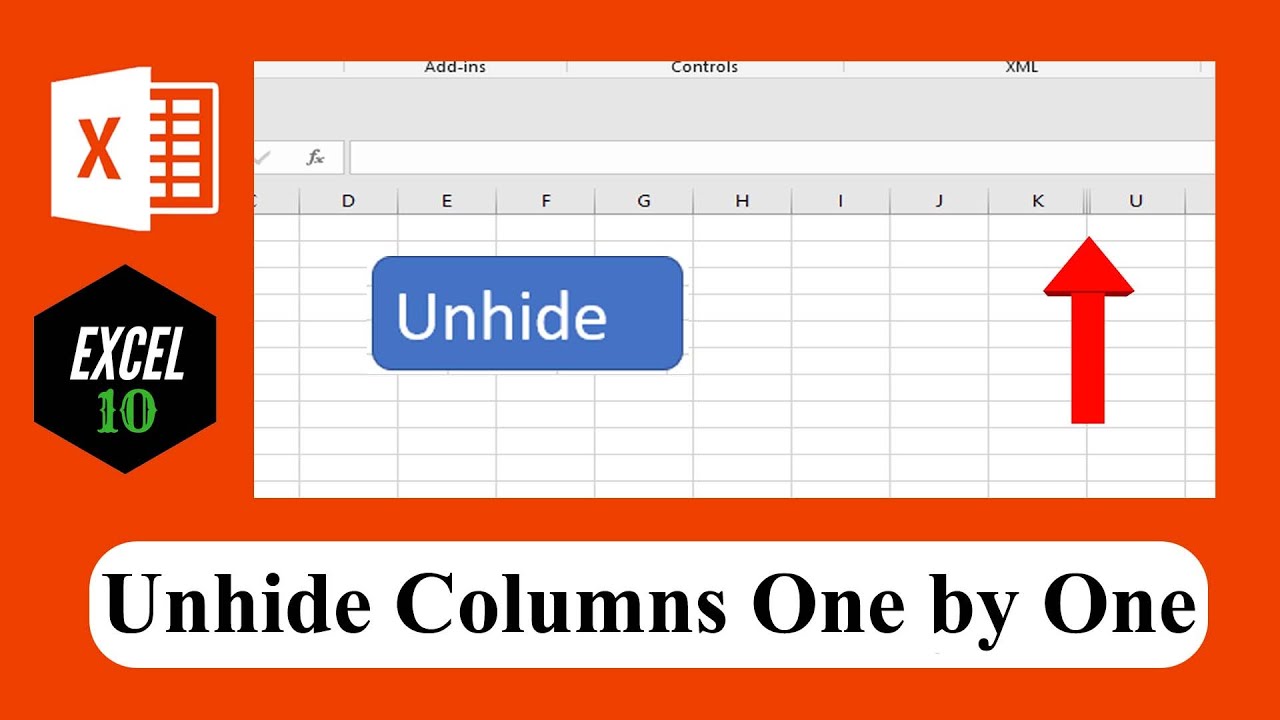
 In this advanced excel tutorial we are going to create a unhide button and when you click on the button it will either show next or previous hidden column depending on your settings. When you click on the button again it will do that again.
 Now follow the below steps if you want to create a unhide button in excel that can unhide hidden columns subsequently.
Step 1: Click on "Insert" from your ribbon to create your button.
Step 2: Click on "Shapes" after that draw your button shape and give it a name.
Step 3: Click on the "Developer tab" (How to Add Developer Tab In Excel:
Step 4: Click On Visual Basic (Learn VBA Programming:
Step 5: Click "Insert" and then "Module"
Step 6: Write the code and Close Visual Basic Editor (If you need the code then subscribe to the channel and Fill up the Request Form:
Step 7: Right click on the button you just created and select assign macro
Step 8: Select Show Column from the macro list and done.
You have successfully created a show or unhide button that can both unhide previous or next column subsequently.
#Show #Button
Thanks for watching.
-------------------------------------------------------------------------------------------------------------
Support the channel with as low as $1
-------------------------------------------------------------------------------------------------------------
Please subscribe to #excel10tutorial
Playlists:
Advance Excel Tutorial:
Excel Tutorial for Beginners:
Excel Case:
Excel VBA Programming Course:
Social media:
Facebook:
Twitter:
Blogger:
Tumblr:
Instagram:
Hubpages:


0 Comments